 Cian
Pick together without mixing up the orders.
Group orders for a warehouse pick and keep each destination identifiable. An exception on the shelf should reach the right person before it turns into a packing mistake.
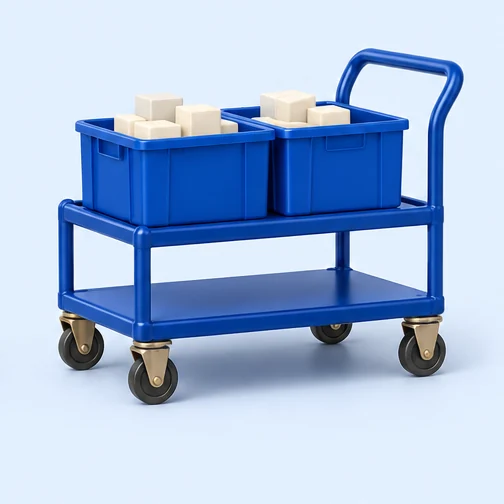
Two orders share the same shelf stop
One order needs two wall brackets and another needs one. A picker can collect three at the shelf, but each order still has its own bin. If only two brackets are there, the shortage belongs to a specific order line.
- Order A
- 2 brackets
- Order B
- 1 bracket
- Shelf stop
- 3 brackets needed
A batch makes the trip more efficient; it does not merge the orders. The packer should still check the contents of each individual tote.
Using batch picking in your store.
Group orders for the pick
Build the batch from the orders the floor should work on together. Keep the order-to-tote allocation visible when the picker starts.
Record the physical pick
Work from the expected quantities and keep each order’s units separate. Record an out-of-stock or partial pick rather than pretending the full line was found.
Hand off the exception
Where the store has supervisor exceptions enabled, review the short line before any stock correction. The pack check remains a separate verification step.
Where this fits.
Back to the full toolkit
Put your store to work in Cian.
Connect your BigCommerce store. Try the platform free for 14 days.